← All 13 modules
09 · Oversite module
Team and roles
Check your subcontractors before they start, then bring staff and contractors in with the access their role allows.
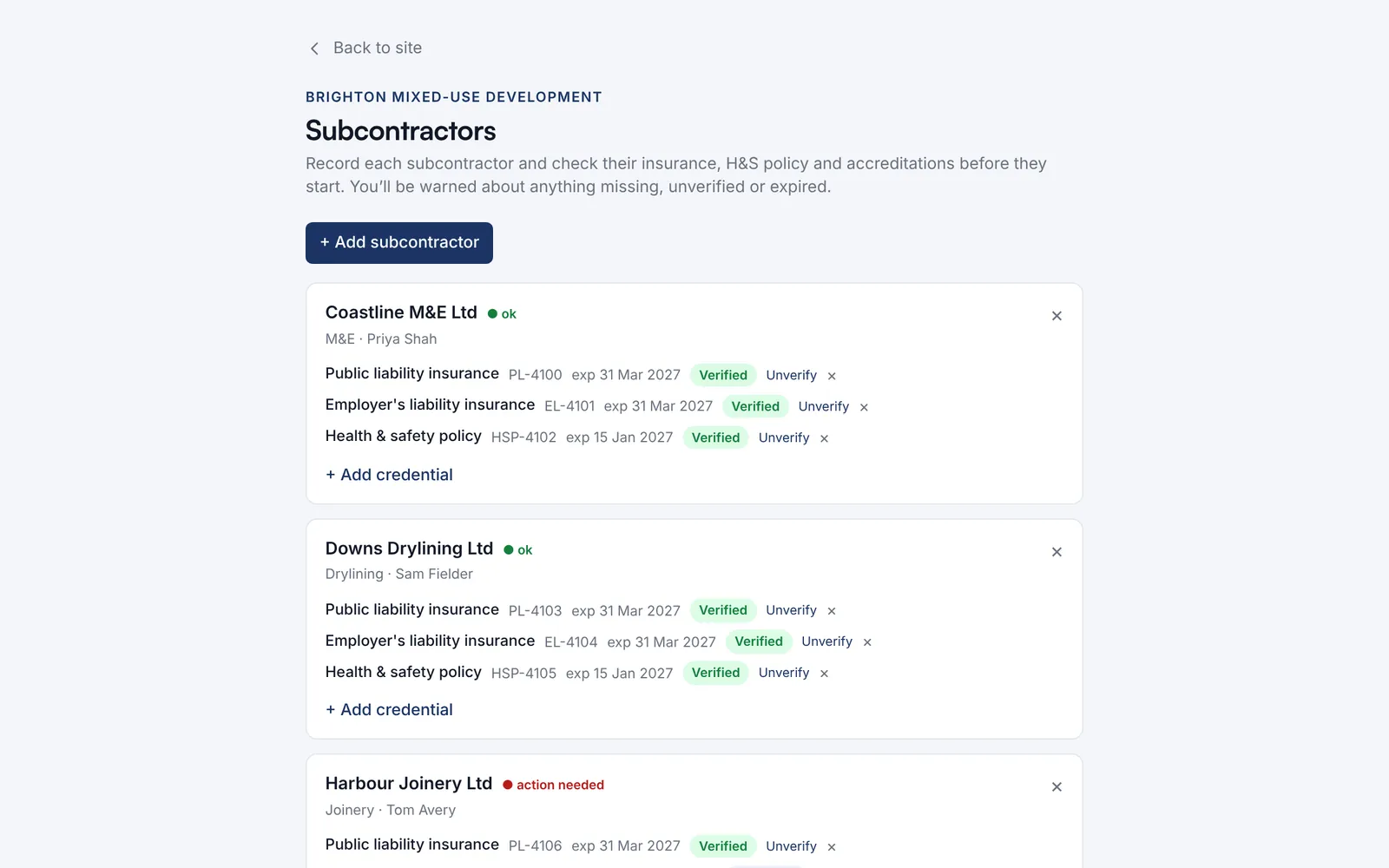
Check each subcontractor’s insurance and H&S policy before they start. Anything missing, unverified or expired is flagged.
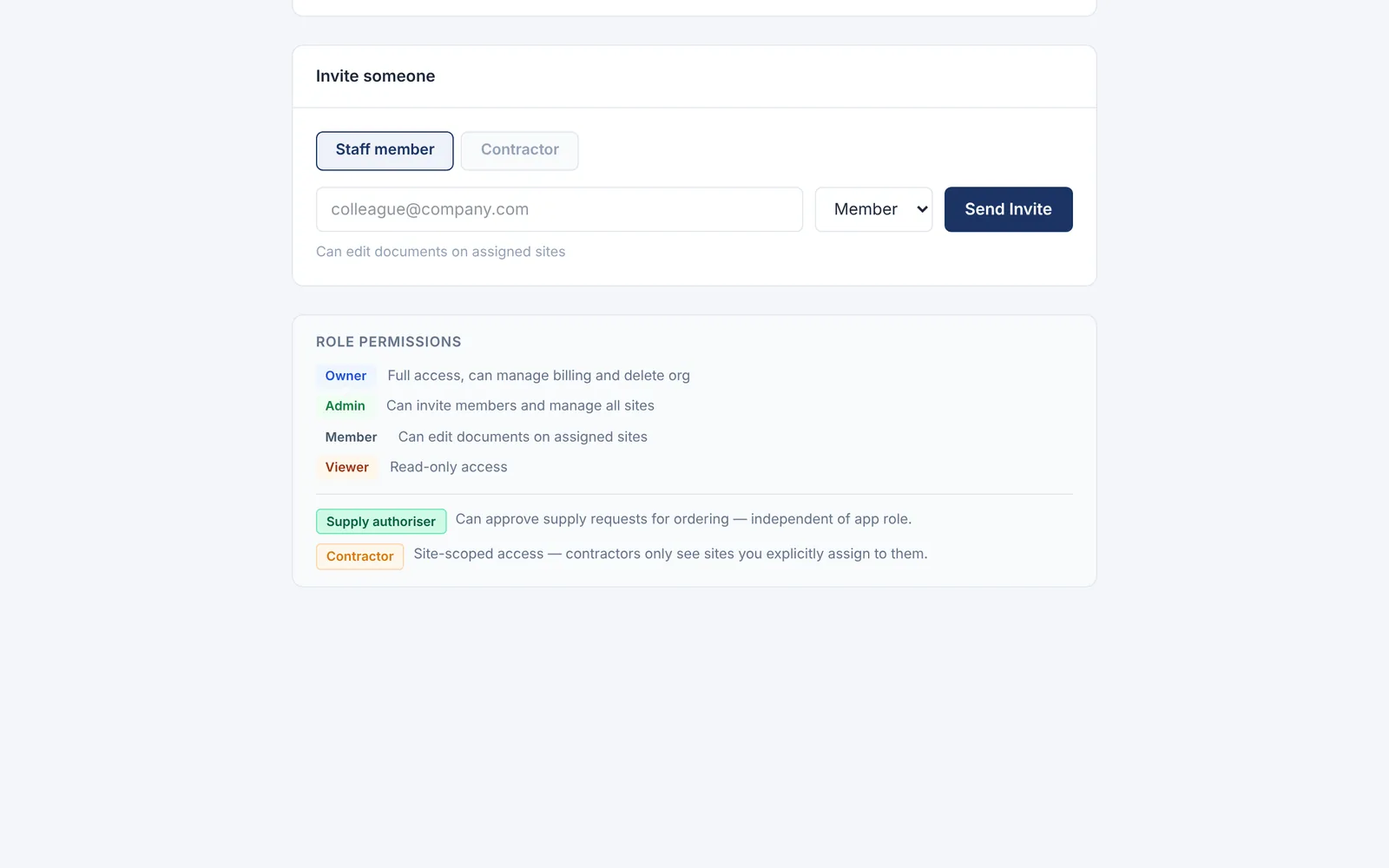
Invite staff or contractors. Each role sets what a person can do, and contractors only see the sites you give them.
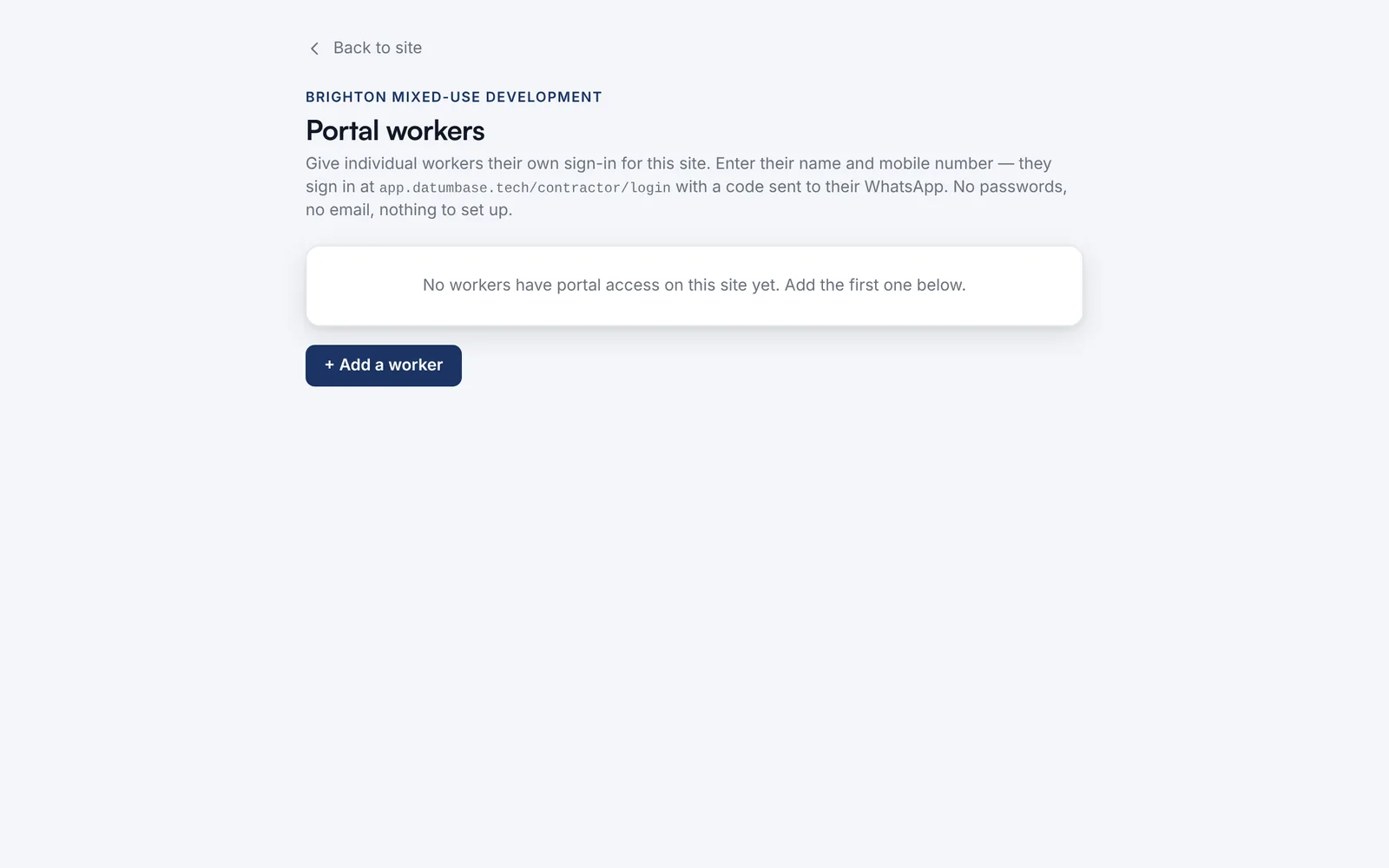
Give operatives their own sign-in for a site. They get a code on WhatsApp: no password, no email.
Watch it work · no sound
Team and roles in 4 steps
- Check each subcontractor before they start
- Anything missing, unverified or expired is flagged
- Check their documents and mark them verified
- Now they show as ok