← All 13 modules
05 · Oversite module
Drawings and take-off
Upload your PDF drawings once. Measure them on screen and pin issues to the exact spot.
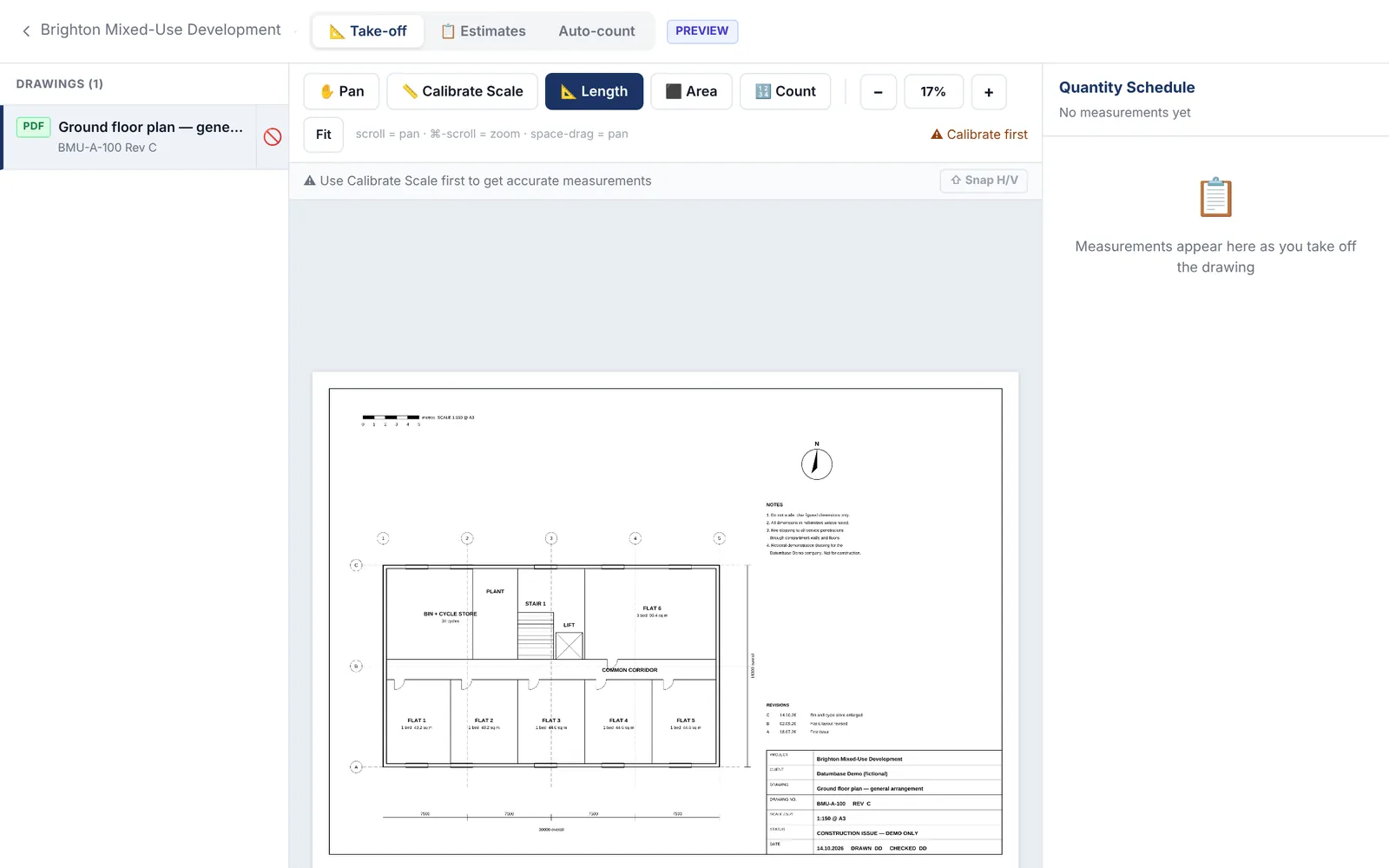
Calibrate the scale, then measure lengths and areas or count items on the PDF. Pan and zoom as you go.
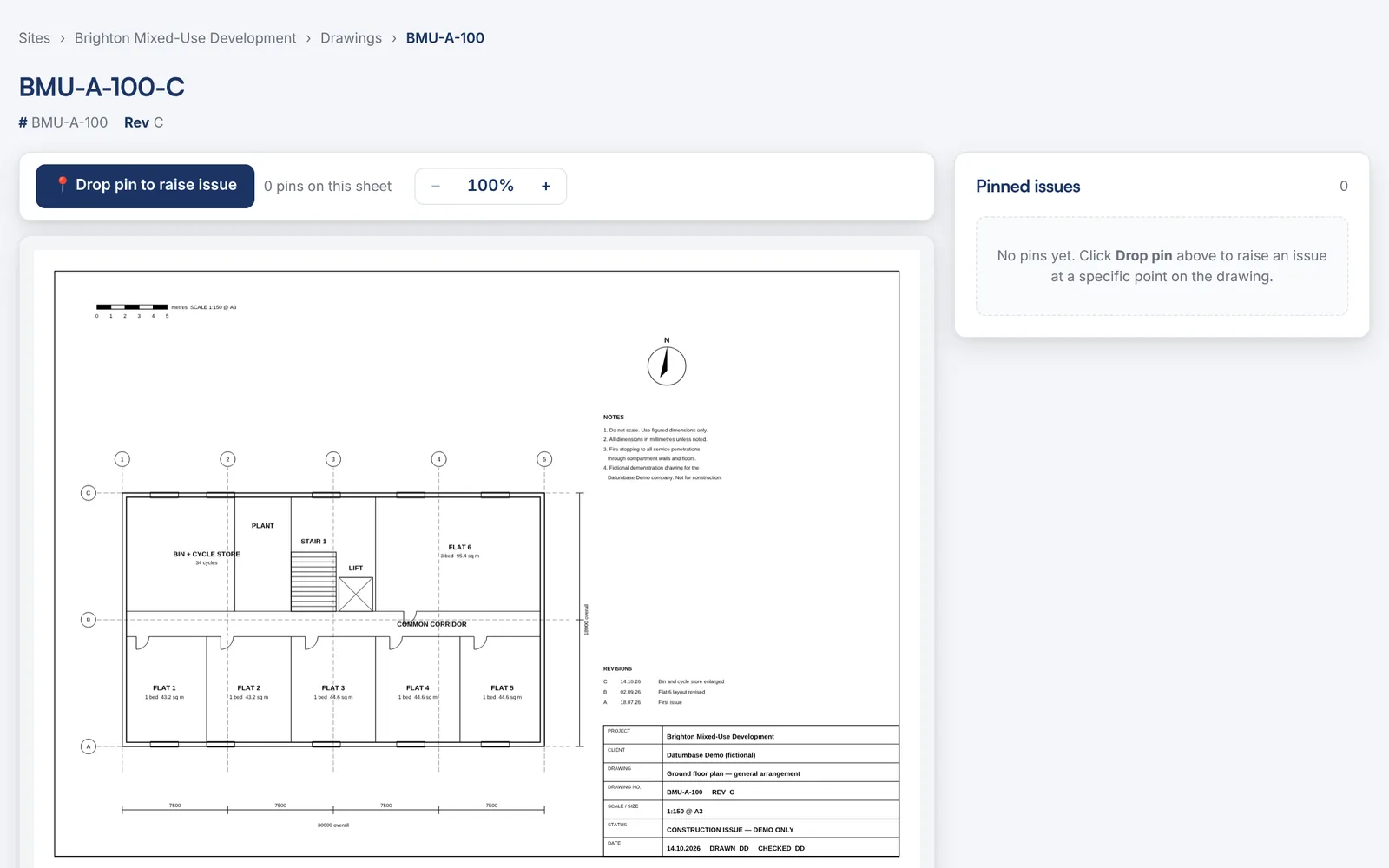
Drop a pin on the drawing to raise an issue at that exact spot, so everyone sees what and where.
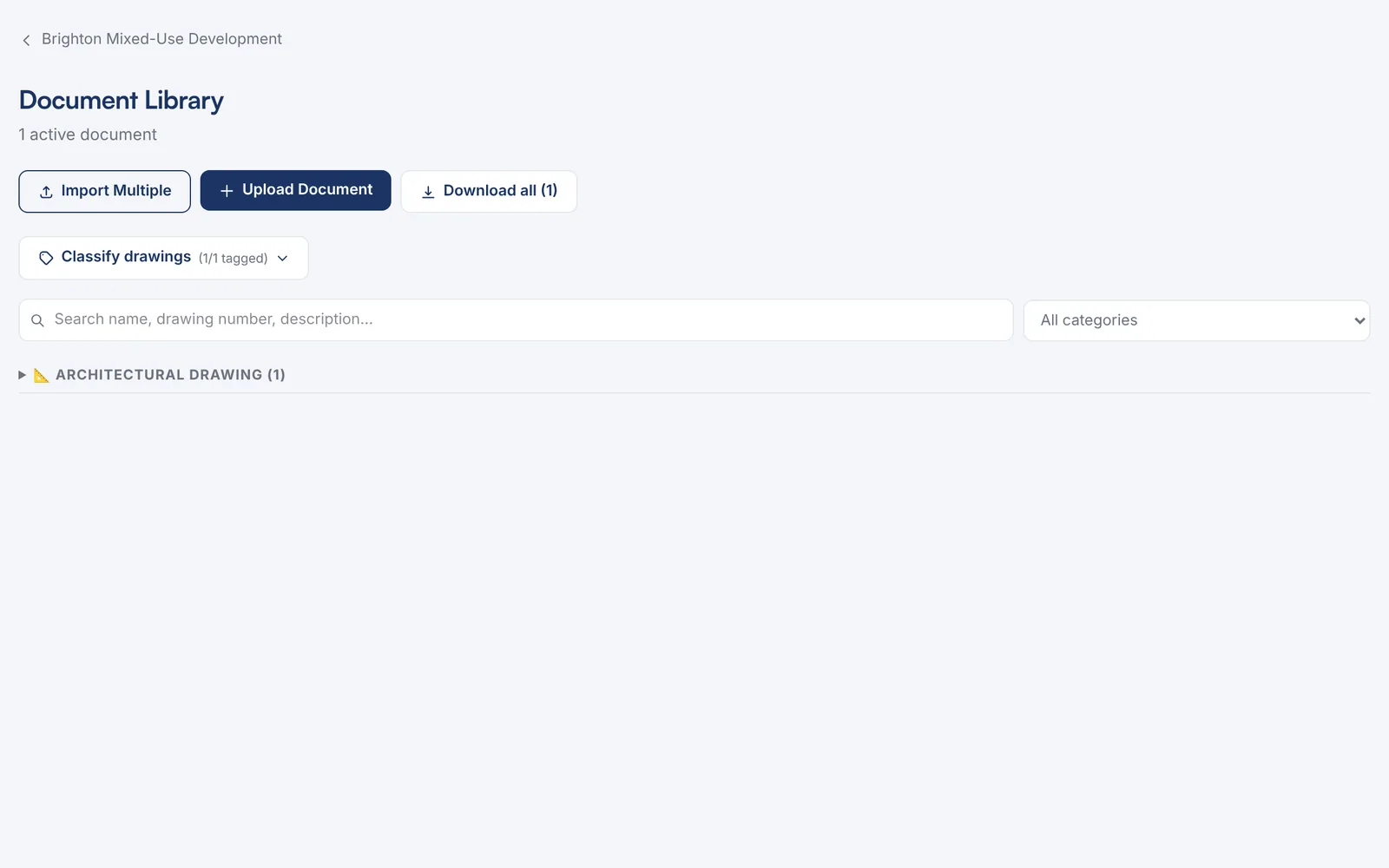
Drawings live in the site’s document library, sorted by type and downloadable in one go.
Watch it work · no sound
Drawings and take-off in 3 steps
- Set the scale from one known dimension
- Then measure straight off it
- Every measurement lands in the schedule