← All 13 modules
10 · Oversite module
Snagging and surveys
Walk a flat, log snags with photos and send each contractor their own list.
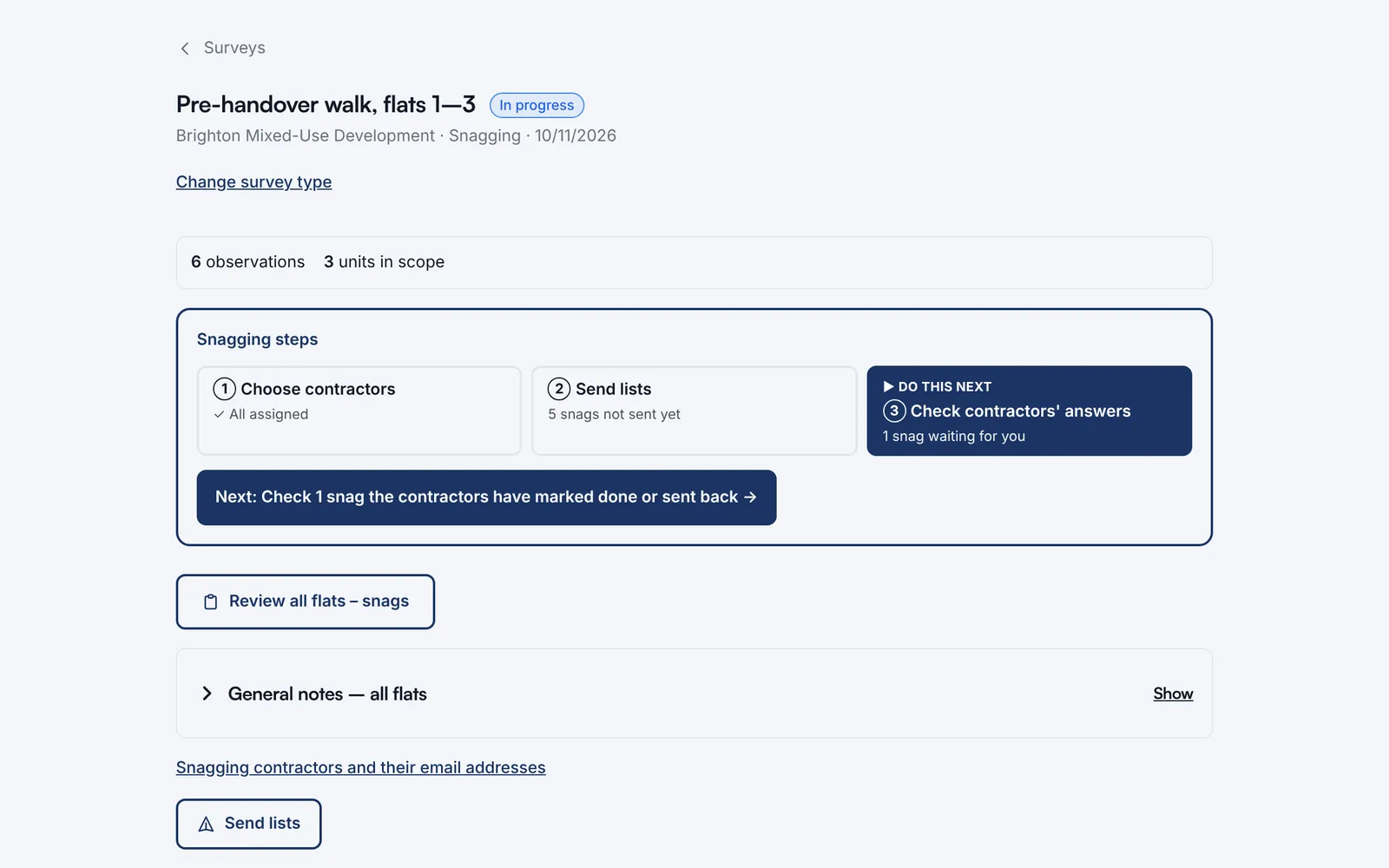
The snagging steps show what to do next: choose contractors, send lists, check their answers.
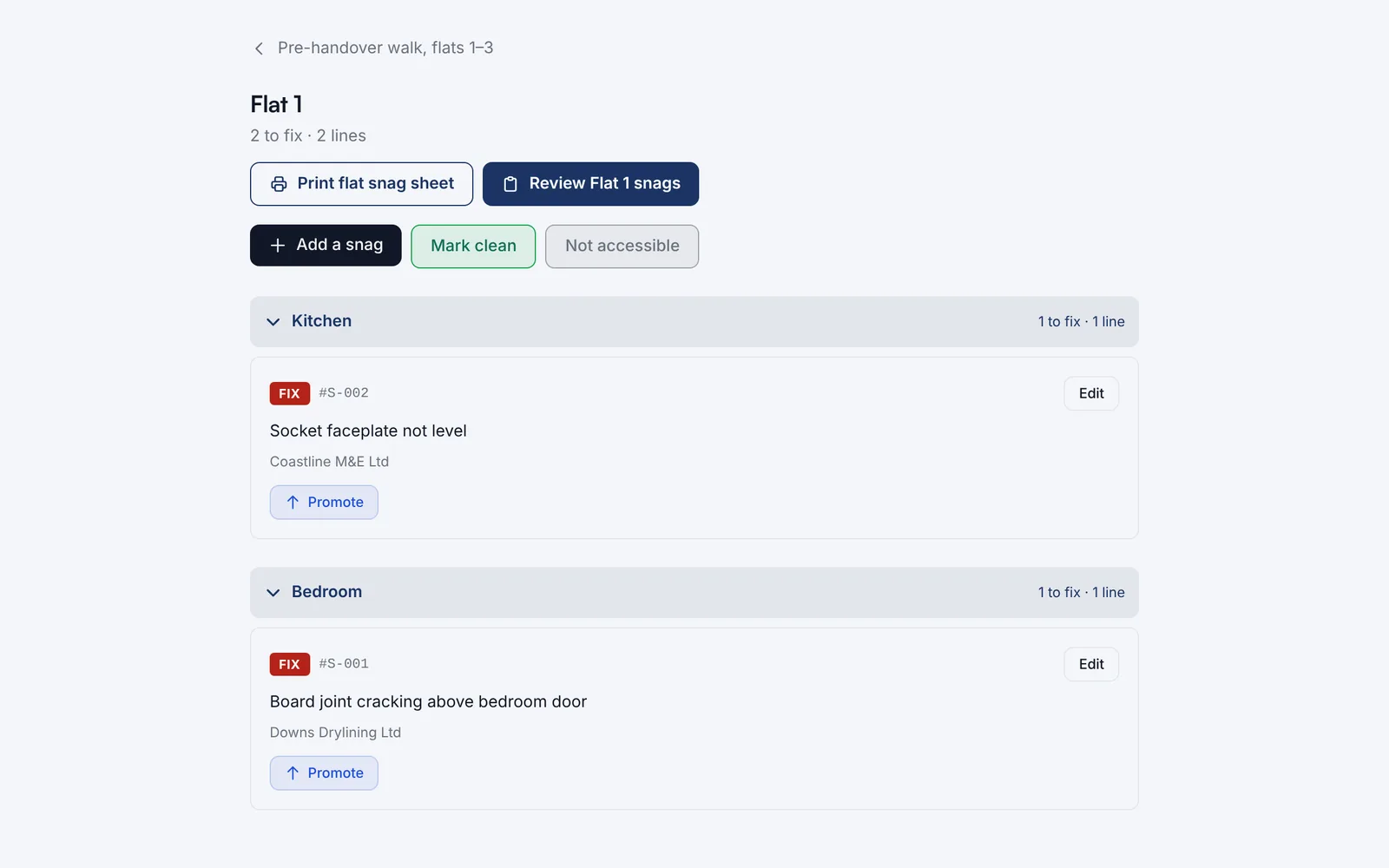
Snags sorted by room, each assigned to the firm fixing it. Print a flat’s snag sheet for the walk-round.
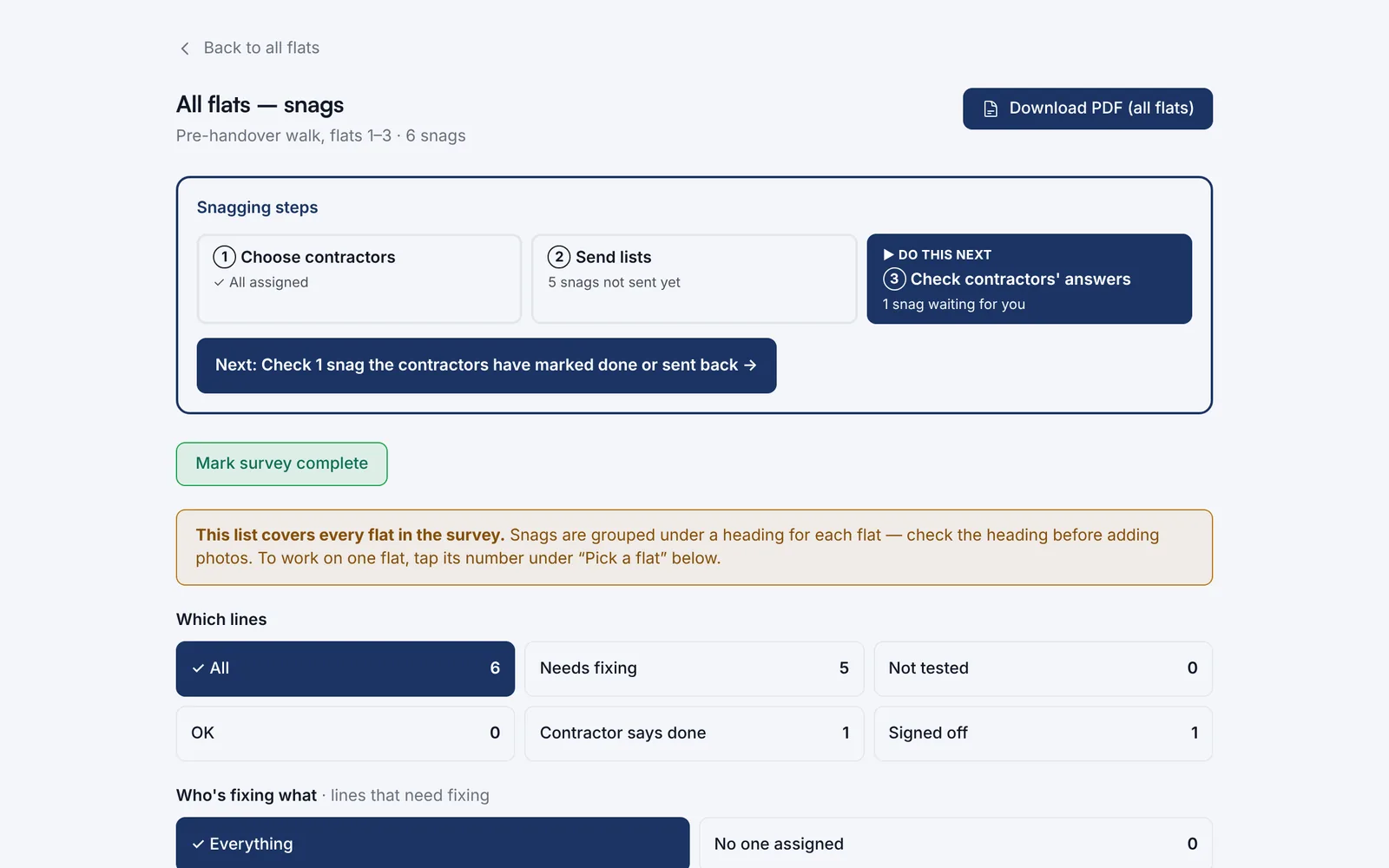
See every snag in the survey, filter by status or contractor and download PDFs.
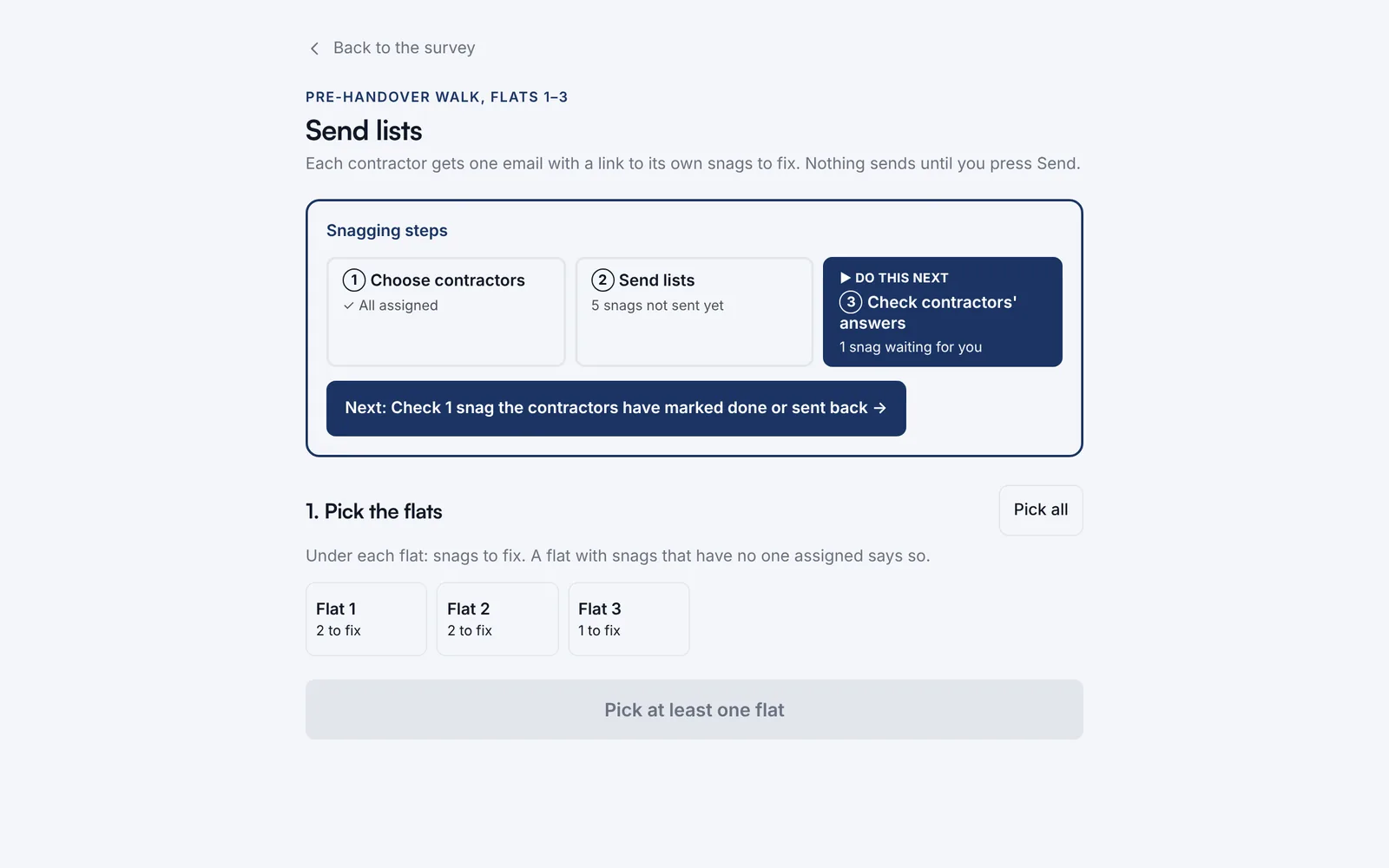
Each contractor gets one email with a link to their own snags. Nothing sends until you press Send.
Watch it work · no sound
Snagging and surveys in 4 steps
- Walk the flat room by room
- Add a snag in a few taps
- One firm per snag
- Each contractor gets their own list